कभी आपको किसी PDF का summary बनाना होता है, कभी किसी complicated topic को समझना होता है और कभी Instagram या YouTube के लिए thumbnail बनाना होता है। इन सभी कामों के लिए अलग-अलग paid software खरीदने की जरूरत नहीं है। आपके Android smartphone में ही ऐसे AI apps मौजूद हैं जो इन कामों को काफी आसान बना सकते हैं।
लेकिन एक problem है: Google Play Store पर सैकड़ों AI apps दिखाई देते हैं और उनमें से कई केवल free download होते हैं, जबकि जरूरी AI features इस्तेमाल करने के लिए subscription मांगते हैं।
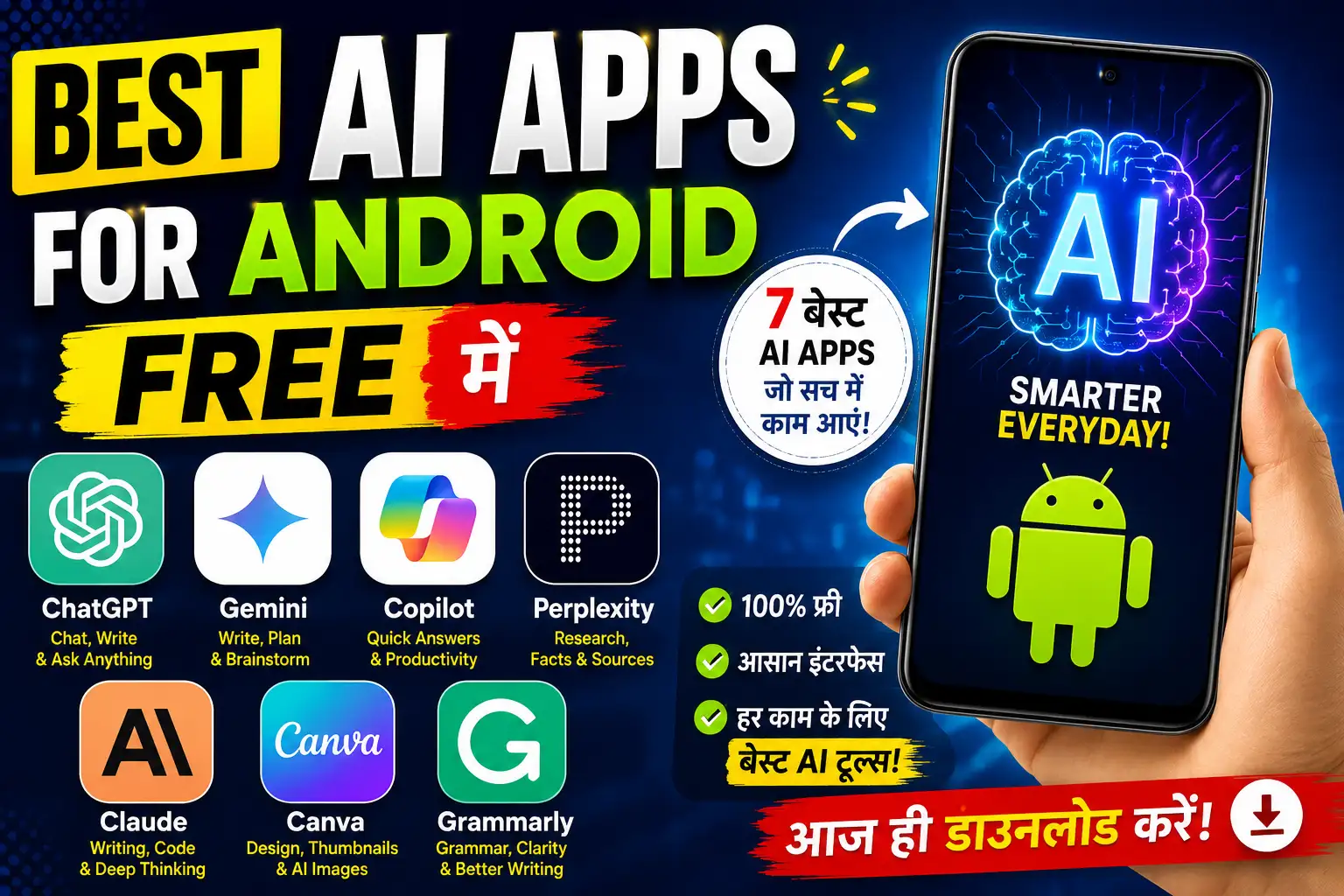
इसलिए हमने Best AI Apps for Android Free की यह list तैयार की है, जिसमें केवल popular नाम नहीं बल्कि उनके actual use cases, free features और limitations को भी समझाया गया है।
इस guide में आपको ChatGPT, Gemini, Claude, Perplexity, Canva और दूसरे useful AI apps के बारे में जानने को मिलेगा। साथ ही यह भी समझेंगे कि student, blogger और content creator के लिए कौन-सा combination ज्यादा practical रहेगा।
Research note: यह comparison 4 November 2027 को उपलब्ध official product documentation और pricing information पर आधारित है। यह कोई fabricated hands-on speed test या personal performance benchmark नहीं है। Free features और availability समय के साथ बदल सकते हैं।
1. Best AI Apps for Android Free: Top 9 Apps
हर AI app एक जैसा काम नहीं करता। कोई research के लिए अच्छा है, कोई writing के लिए और कोई images या study material बनाने के लिए।
इसलिए अपनी जरूरत के हिसाब से app चुनना ज्यादा समझदारी होगी।
1. ChatGPT – Best All-Rounder AI App
अगर आप पहली बार कोई AI app इस्तेमाल करने जा रहे हैं, तो ChatGPT एक अच्छा starting point हो सकता है।
OpenAI का official ChatGPT Android app कई तरह के काम करने में मदद करता है। आप इससे questions पूछ सकते हैं, complicated topics समझ सकते हैं, photos upload करके उनके बारे में जानकारी प्राप्त कर सकते हैं और writing में सहायता ले सकते हैं।
मुख्य Features:
- AI chatbot और question answering
- Hindi और English में बातचीत
- Voice conversation
- Image understanding
- AI image generation
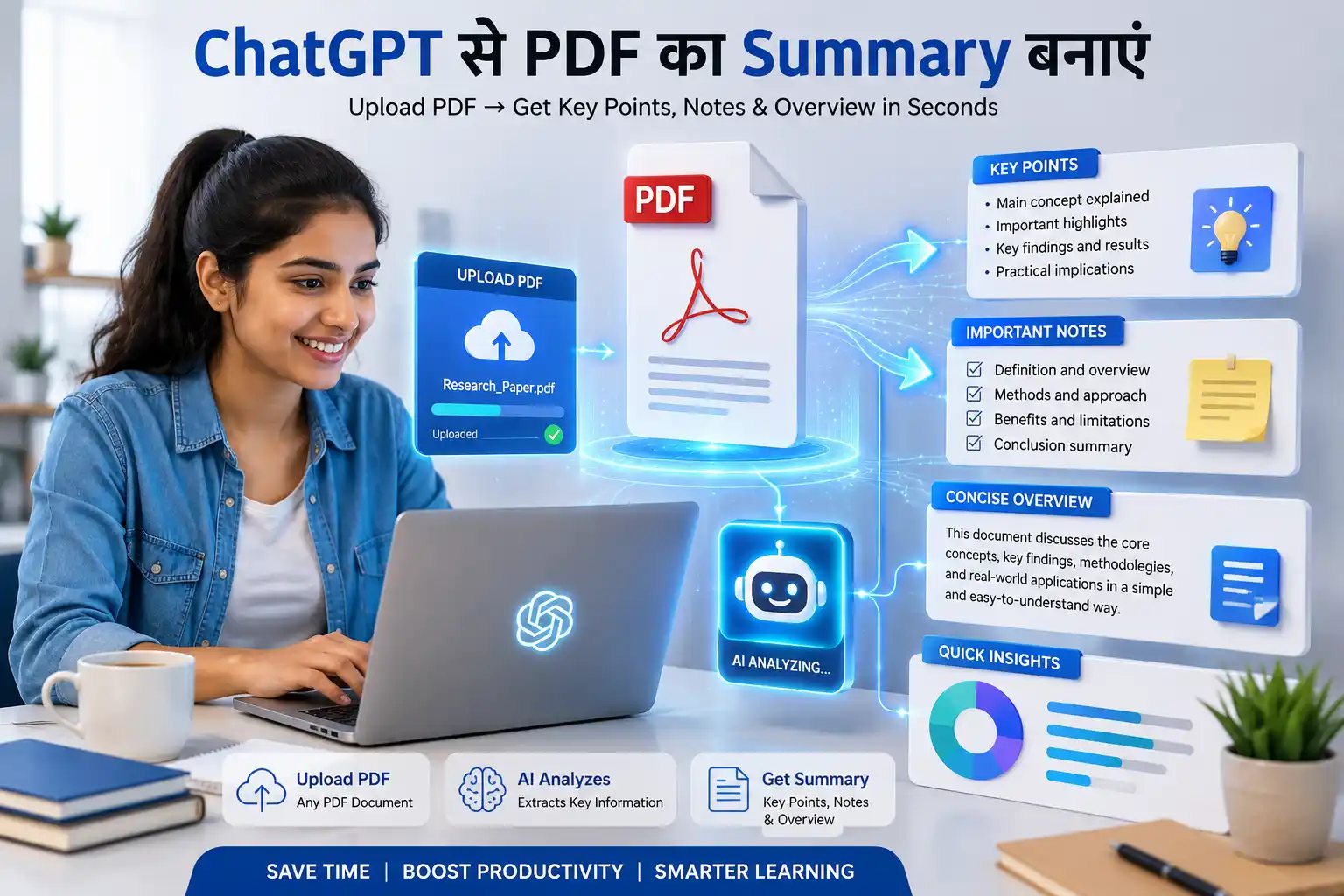
- PDF और document analysis
- Web search और research assistance
Free Version: ChatGPT का free plan सामान्य text conversations की सुविधा देता है। हालांकि image generation, file uploads, voice और advanced tools पर अलग usage limits लागू होती हैं। OpenAI के अनुसार free users के everyday text chats पर सामान्यतः fixed message count नहीं है, लेकिन abuse-prevention safeguards लागू रहते हैं।
Official details: https://help.openai.com/en/articles/9275245-chatgpt-free-tier-faq
Practical Example:
मान लीजिए आपको Rajasthan GK का कोई difficult topic समझ नहीं आ रहा है। ChatGPT में यह prompt डाल सकते हैं:
“Explain the major rivers of Rajasthan in simple Hindi. Include important facts, tributaries and 5 practice MCQs for competitive exams.”
ChatGPT आपको topic को आसान भाषा में समझने और practice questions तैयार करने में मदद कर सकता है।
Limitations: Free plan में advanced tools की usage सीमित है। AI द्वारा दिए गए factual answers को reliable sources से verify करना जरूरी है।
Best For: Students, bloggers, general users और content creators.
2. Google Gemini – Best AI Assistant for Android
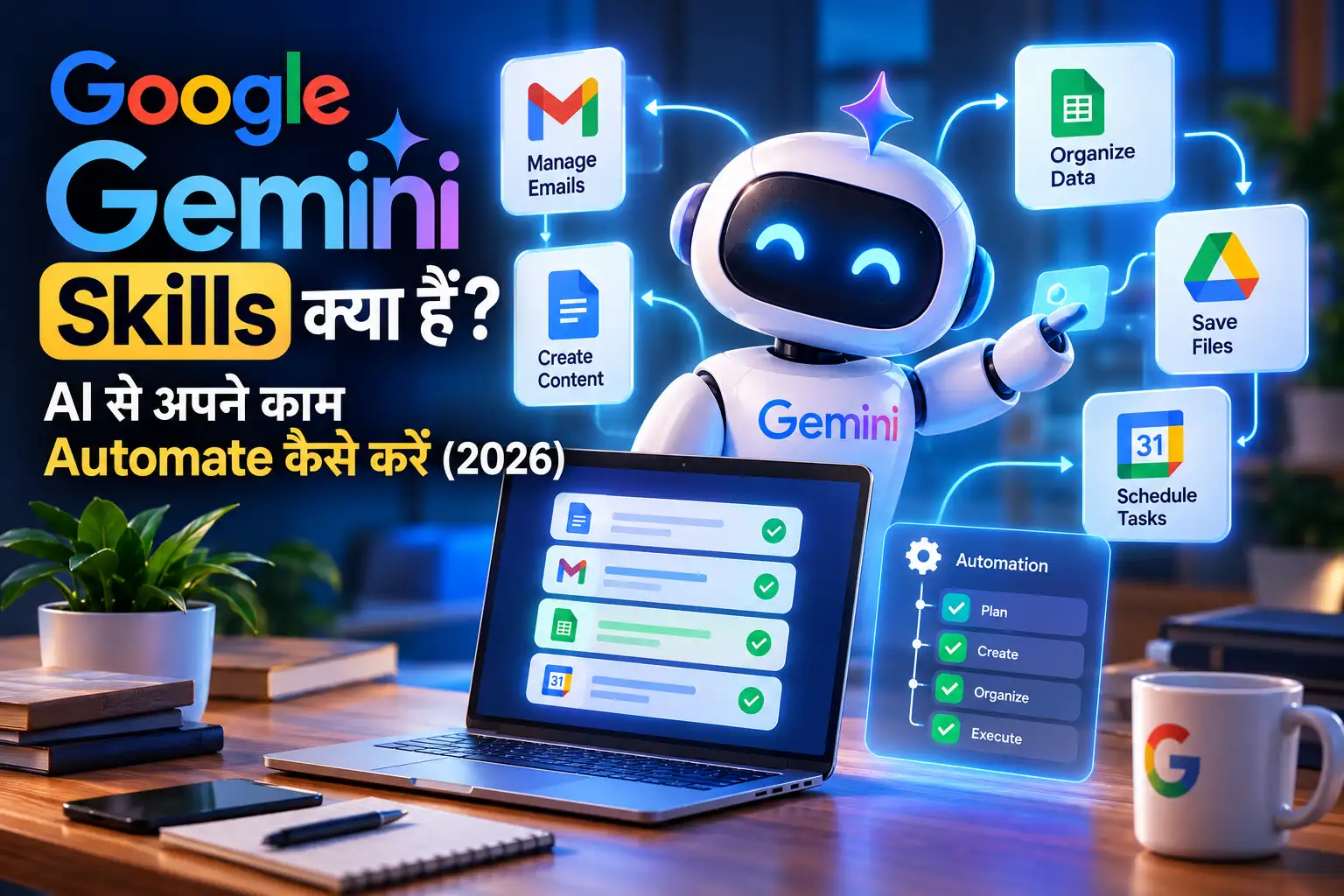
अगर आपके smartphone में Google apps का ज्यादा इस्तेमाल होता है, तो Gemini आपके लिए एक useful AI assistant है।
Google Gemini Android पर text, voice, image और camera inputs के जरिए सहायता कर सकता है। आप writing, brainstorming, learning और daily planning जैसे काम कर सकते हैं।
इसके अलावा Android पर screen context और Google ecosystem से जुड़े कुछ integrations भी उपलब्ध हैं। हालांकि सभी features हर language, region और account में उपलब्ध नहीं होते।
मुख्य Features:
- Gemini AI chatbot
- Voice-based conversations
- Image generation
- Camera से information प्राप्त करना
- Writing और brainstorming
- Learning assistance
- Google services के साथ integrations
Free Version: Gemini का free access available है, लेकिन model और advanced features के लिए compute-based usage limits लागू होती हैं। Google के अनुसार ये limits बदल सकती हैं और heavy usage पर कुछ समय के लिए wait करना पड़ सकता है।
Official documentation: https://support.google.com/gemini/answer/14579631
Practical Example:
आप किसी English paragraph की photo लेकर Gemini से पूछ सकते हैं:
“Explain this paragraph in simple Hindi and give me three important points for revision.”
यह students के लिए काफी useful workflow है।
Limitations: Advanced models और कुछ features के लिए paid Google AI plans की जरूरत हो सकती है।
Best For: Android users, students और Google ecosystem इस्तेमाल करने वाले लोग।
3. Perplexity AI – Best for Research and Information
अगर आप Google पर कई वेबसाइट खोलकर information ढूंढने से परेशान हैं, तो Perplexity एक अच्छा alternative हो सकता है।
Perplexity AI एक AI-powered search assistant है। यह आपके सवाल का जवाब तैयार करता है और उसके साथ relevant source links भी दिखाता है।
इसकी सबसे उपयोगी बात यह है कि आप answer के पीछे मौजूद sources को खोलकर original information verify कर सकते हैं।
मुख्य Features:
- AI-powered search
- Research-based answers
- Source citations
- Follow-up questions
- Voice search
- Limited file uploads
- Search history और conversation management
Free Version: Free plan में practically unlimited basic searches मिलती हैं, जबकि Pro searches और कुछ advanced features सीमित हैं।
Official free-plan information: https://www.perplexity.ai/help-center/en/articles/11187416-which-perplexity-subscription-plan-is-right-for-you
Practical Example:
मान लीजिए आप अपने blog के लिए किसी नए AI tool पर article लिखना चाहते हैं।
यह prompt इस्तेमाल कर सकते हैं:
“Find official documentation about the latest features of Google Gemini. Give me the source links and separate confirmed information from assumptions.”
इसके बाद दिए गए official sources खोलकर information verify करें।
Limitations: Citations दिखाई देने का मतलब यह नहीं कि हर answer automatically सही है। Original source को जरूर पढ़ें।
Best For: Students, bloggers, researchers और fact-checking करने वाले users.
4. Claude AI – Best for Writing and Detailed Explanations
Claude, Anthropic द्वारा बनाया गया AI assistant है।
अगर आपका काम long-form writing, explanations, brainstorming, coding या document analysis से जुड़ा है, तो Claude को try कर सकते हैं।
यह Android app के साथ उपलब्ध है और free account से भी इस्तेमाल किया जा सकता है।
मुख्य Features:
- Article और content drafting
- Document analysis
- Detailed explanations
- Coding assistance
- Writing सुधारने में मदद
- Web search
- File और content analysis
Free Version: Claude का free plan available है, लेकिन usage limits लागू होती हैं। Anthropic के अनुसार free usage पर session और weekly limits हो सकती हैं।
Official Website: https://claude.com/pricing
Practical Example:
आप Claude से पूछ सकते हैं:
“Rewrite this technical explanation in conversational Hindi. Keep all technical facts unchanged and explain difficult terms with simple examples.”
इससे technical language को beginner-friendly बनाने में मदद मिल सकती है।
Limitations: लगातार लंबे conversations या heavy document analysis करने पर free usage limit जल्दी समाप्त हो सकती है।
Best For: Bloggers, writers, developers और professionals.
5. Microsoft Copilot – Best Free AI Productivity Assistant
Microsoft Copilot भी Android users के लिए एक useful AI assistant है।
इसका इस्तेमाल general questions, brainstorming, writing assistance और web-based information प्राप्त करने के लिए किया जा सकता है।
Microsoft ecosystem इस्तेमाल करने वाले users के लिए यह विशेष रूप से उपयोगी है।
मुख्य Features:
- AI chatbot
- Web-based answers
- Writing assistance
- Image creation
- Voice interactions
- Productivity support
- Microsoft services integration
Free Version: Microsoft Copilot का free version उपलब्ध है। इसमें general AI chat, writing और web search जैसी सुविधाएं मिलती हैं। Image generation और दूसरे tools पर capacity और usage limits लागू हो सकती हैं।
Official documentation: https://support.microsoft.com/en-gb/microsoft-365-copilot/what-s-the-difference-between-copilot-free-and-copilot-in-microsoft-365
Practical Example:
अगर आपको किसी college assignment के लिए presentation की outline बनानी है, तो prompt दें:
“Create a 10-slide presentation outline about Artificial Intelligence in Education. Include an introduction, five main points, examples and a conclusion.”
इसके बाद आप outline को PowerPoint या दूसरी presentation application में इस्तेमाल कर सकते हैं।
Limitations: Microsoft 365 subscription के बिना कुछ advanced productivity सुविधाएं उपलब्ध नहीं होतीं।
Best For: Students, office users और Microsoft services इस्तेमाल करने वाले लोग.
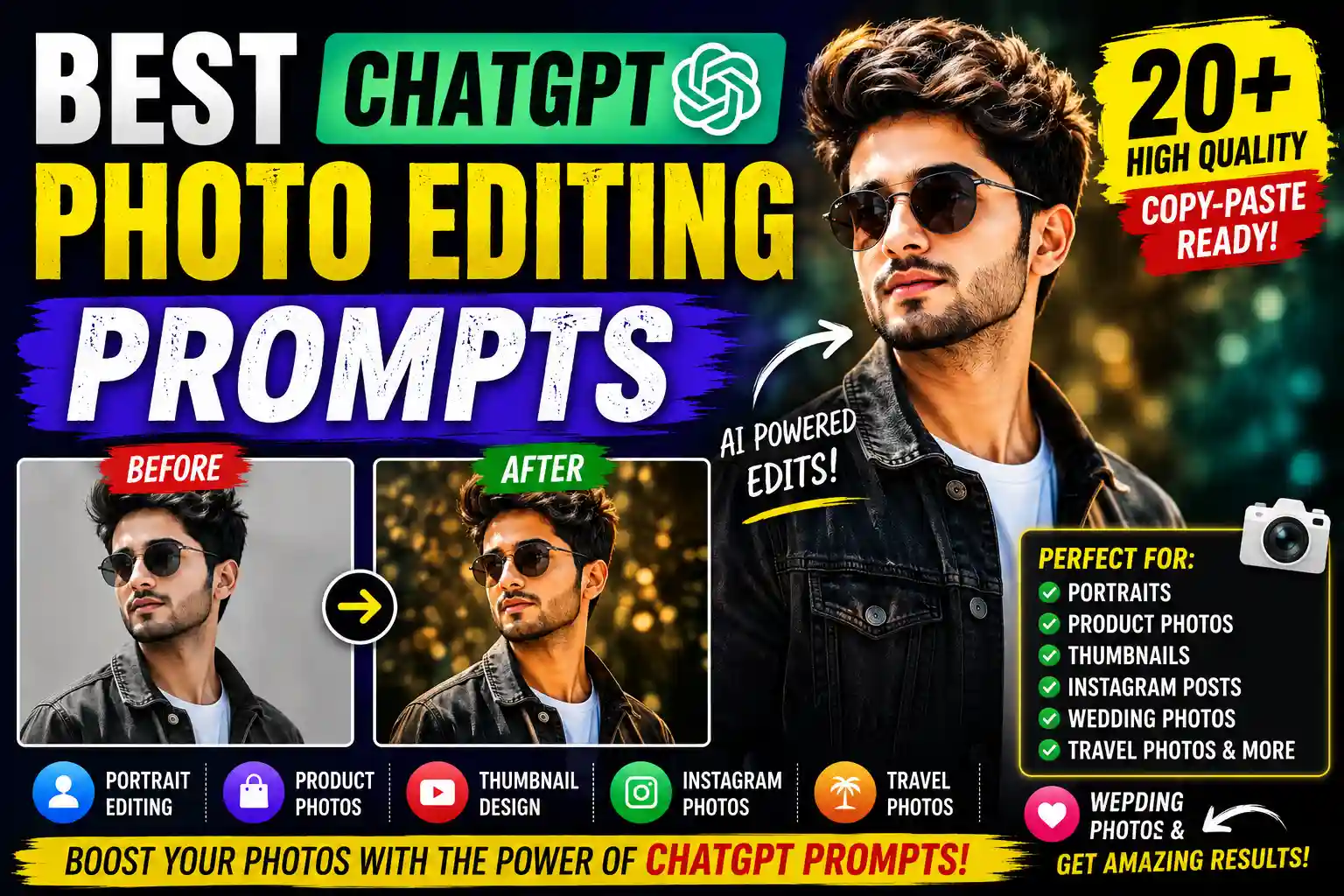
6. Canva – Best AI App for Designing and Thumbnails
अगर आप Instagram posts, YouTube thumbnails, posters या social media graphics बनाना चाहते हैं, तो Canva एक practical option है।
Canva में सामान्य design templates के साथ AI-powered creative features भी मिलते हैं।
इसके लिए आपको professional graphic designer होने की जरूरत नहीं है। आप template select करके text, image और layout को अपनी जरूरत के अनुसार बदल सकते हैं।
मुख्य Features:
- AI-assisted design
- Templates
- Photo editing
- Social media posts
- Presentations
- AI writing assistance
- AI image-related tools
- Background editing
Free Version: Canva Free में basic design features के साथ कुछ AI features भी मिलते हैं। Canva India की official pricing information में Free plan के लिए up to 20 Standard or Premium AI uses listed हैं। कुछ advanced AI features के लिए paid subscription जरूरी हो सकता है।
Official pricing: https://www.canva.com/en_in/pricing/
Practical Example:
YouTube thumbnail बनाने के लिए आप पहले कोई suitable template चुनें और फिर Canva में available AI features से design elements तैयार करें।
ध्यान रखें कि AI-generated text को thumbnail पर सीधे इस्तेमाल करने से पहले spelling और readability check करें।
Limitations: सभी templates, premium graphics और AI features free नहीं हैं।
Best For: YouTubers, bloggers, Instagram creators और small businesses.
7. Adobe Express – Best for AI Photo and Graphic Editing
Adobe Express एक और useful creative app है जिसे Android पर इस्तेमाल किया जा सकता है।
इसमें social media graphics, posters, photo editing और AI-assisted design जैसे काम किए जा सकते हैं।
इसकी खास बात इसका नया AI Assistant है, जिसे Adobe ने October 2026 में mobile के लिए introduce किया है।
यह feature Android पर धीरे-धीरे roll out किया जा रहा है।
मुख्य Features:
- AI-assisted design generation
- Image generation
- Photo retouching
- Image editing
- Text और layout adjustments
- Social media graphics
- Product images और creative assets
Free Version: Adobe की official documentation के अनुसार AI Assistant Free और Premium plans पर उपलब्ध है, लेकिन rollout gradual है।
Free plan के लिए प्रकाशित daily allowances:
- Up to 10 design-generation prompts
- Up to 5 image-generation prompts
- Up to 5 prompted image edits
AI Assistant के लिए Android 10 या उससे ऊपर और कम से कम 3GB RAM की requirement बताई गई है।
Official source: https://helpx.adobe.com/express/mobile/ai-assistant-mobile/ai-assistant-mobile-faq.html
Limitations: सभी users को AI Assistant तुरंत उपलब्ध नहीं होगा। कुछ advanced features और additional usage paid plans पर निर्भर कर सकते हैं।
Best For: Photo editors, content creators और social media designers.
8. Gemini Notebook (Formerly NotebookLM) – Best for Students and PDF Research
अगर आपको बड़ी PDF files पढ़नी होती हैं, study notes तैयार करने होते हैं या किसी particular subject पर research करनी होती है, तो Google का Gemini Notebook काफी interesting option है।
यह पहले NotebookLM के नाम से जाना जाता था। Google ने July 2026 में इसका नाम Gemini Notebook कर दिया।
इसका सबसे बड़ा फायदा यह है कि आप अपनी selected sources के आधार पर सवाल पूछ सकते हैं।
मुख्य Features:
- PDF-based research
- Website से information लेना
- YouTube video को source बनाना
- Audio files और copied text
- Source-based AI conversations
- Audio Overviews
- Flashcards और quizzes
Free Version: इसका basic app experience उपलब्ध है। Usage और advanced capabilities account तथा applicable plan limits पर निर्भर कर सकती हैं।
Official documentation: https://support.google.com/gemininotebook/answer/16296687
Practical Example:
मान लीजिए आपके पास RAS preparation की 100-page PDF है।
आप PDF को notebook में add करके पूछ सकते हैं:
“Summarize the important topics from this PDF in Hindi. Create 20 MCQs and include the source-based explanation for each answer.”
इसके बाद generated answers को original PDF से verify करें।
Limitations: Android app में desktop version की तुलना में कुछ features सीमित हैं। Mobile app में PDF, Website, YouTube, Audio और Copied Text जैसे source types supported हैं।
Best For: Competitive exam students, college students और researchers.
9. Photomath – Best AI-Powered App for Mathematics
अगर Maths के questions solve करने में problem होती है, तो Photomath भी आपके Android smartphone में होना चाहिए।
यह camera की मदद से mathematics problems scan करता है और उनके solutions step-by-step दिखाता है।
सिर्फ final answer देखने के बजाय आप solution के steps समझने की कोशिश कर सकते हैं।
मुख्य Features:
- Camera-based maths scanning
- Step-by-step solutions
- Equation solving
- Algebra और calculus support
- Mathematical problem explanation
Free Version: Photomath की official documentation के अनुसार core mathematical solutions और machine-generated solution steps free उपलब्ध हैं। Animated tutorials और कुछ advanced explanations Photomath Plus में मिलते हैं।
Official source: https://support.google.com/photomath/answer/14328660
Practical Example:
किसी algebra question की photo scan करें। फिर solution के हर step को अपनी notebook में खुद solve करने की कोशिश करें।
इस तरह आप केवल answer याद करने के बजाय solving method समझ पाएंगे।
Limitations: हर handwritten या unclear question सही तरीके से scan नहीं होगा। इसलिए output को पढ़ें और calculation verify करें।
Best For: School students, college students और mathematics practice करने वाले learners.
2. कौन-सा AI App आपके लिए Best है?
अब सवाल है कि इनमें से कौन-सा app install करना चाहिए?
मेरी recommendation है कि हर app install करने के बजाय पहले अपना primary काम तय करें।
अगर आप Student हैं
ChatGPT या Gemini से topics समझ सकते हैं, Gemini Notebook से study material organize कर सकते हैं और Photomath से mathematics practice कर सकते हैं।
अगर आप Blogger हैं
Research के लिए Perplexity, drafting और brainstorming के लिए ChatGPT या Claude और graphics के लिए Canva उपयोगी combination हो सकता है।
आप content workflow के बारे में हमारी AI से Content कैसे बनाएं guide भी पढ़ सकते हैं।
अगर आप YouTube Creator हैं
Canva और Adobe Express thumbnails और graphics के लिए उपयोगी हैं। ChatGPT scripting और brainstorming में सहायता कर सकता है।
अगर आप Office Work करते हैं
Microsoft Copilot और ChatGPT से emails, summaries, document outlines और productivity-related tasks में मदद मिल सकती है।
3. Android पर AI Apps इस्तेमाल करने का सही तरीका
केवल AI app install करना काफी नहीं है। उससे सही result प्राप्त करने के लिए आपको एक simple workflow follow करना चाहिए।
Step 1: Official App Install करें
Google Play Store खोलें और app के नाम के साथ developer का नाम verify करें।
उदाहरण के लिए ChatGPT के लिए developer OpenAI होना चाहिए।
Step 2: अपना काम स्पष्ट बताएं
सिर्फ “Write something” लिखने के बजाय पूरा context दें।
उदाहरण:
“Write a 500-word explanation of photosynthesis in simple Hindi for Class 10 students. Include examples and 5 revision questions.”
Step 3: Answer को Verify करें
अगर आप AI से government exam, education या technical information ले रहे हैं तो official sources से facts check करें।
Step 4: एक ही काम के लिए दो Apps Compare करें
उदाहरण के लिए एक ही writing prompt ChatGPT और Claude में डालकर answers का comparison करें।
इससे आपको समझ आएगा कि किस tool का output आपकी जरूरत के हिसाब से बेहतर है।
Step 5: Free Usage Limits Check करें
कई apps में AI features के लिए अलग limits होती हैं। बार-बार subscription upgrade करने की जरूरत नहीं है। पहले available free quota समझें।
4. Free AI Apps इस्तेमाल करते समय 6 Common Mistakes
AI apps उपयोगी हैं, लेकिन कुछ गलतियां आपका समय और privacy दोनों प्रभावित कर सकती हैं।
1. केवल Downloads देखकर App चुनना
Popular app होना और आपकी जरूरत पूरी करना दो अलग बातें हैं। पहले use case देखें।
2. Free Download को Completely Free समझना
कई apps डाउनलोड करने के लिए free हैं, लेकिन image generation, advanced models या exports paid हो सकते हैं।
3. AI के हर Answer पर भरोसा करना
AI confidently गलत information भी दे सकता है। Educational, financial, legal और technical information को verify करना जरूरी है।
4. एक ही काम के लिए बहुत सारे Apps रखना
ChatGPT, Gemini और Claude तीनों general-purpose assistants हैं। तीनों को एक साथ install करने के बजाय पहले एक या दो को समझें।
5. Privacy को Ignore करना
OTP, passwords, bank details और confidential documents किसी AI chatbot में बिना सोचे upload न करें। App की privacy settings और data controls समझें।
6. Fake AI Apps Install करना
Play Store पर official नाम से मिलते-जुलते apps हो सकते हैं। Developer name, permissions और app listing carefully check करें। अनजान websites से modified APK install करने से बचें।
5. Our Practical Insight: क्या सभी AI Apps Install करना जरूरी है?
नहीं।
सबसे बेहतर AI setup वह नहीं है जिसमें 10 अलग-अलग applications installed हों। बेहतर setup वह है जिसमें कम apps से ज्यादा useful काम पूरे हो सकें।
उदाहरण के लिए:
Student Workflow:
Gemini Notebook → Study Material
ChatGPT → Topic Explanation
Photomath → Mathematics Practice
Blogger Workflow:
Perplexity → Research
ChatGPT या Claude → Drafting
Canva → Thumbnail और Graphics
Creator Workflow:
ChatGPT → Content Ideas
Adobe Express → Image Editing
Canva → Final Design
इन examples का उद्देश्य किसी app को हर स्थिति में सबसे बेहतर साबित करना नहीं है। यह समझाना है कि अलग-अलग tools की strengths को जोड़कर एक practical workflow तैयार किया जा सकता है।
मेरी मुख्य सलाह है कि शुरुआत केवल दो apps से करें। एक general AI assistant और एक ऐसा specialist tool चुनें जो आपकी वास्तविक जरूरत पूरी करता हो।
इससे app overload, unnecessary subscriptions और confusion से बच सकते हैं।
7. COMPARISON TABLE
| AI App | Best For | Free Access | Main Limitation |
|---|---|---|---|
| ChatGPT | General AI tasks | Yes | Advanced tools limited |
| Gemini | Android assistant | Yes | Model usage limits |
| Perplexity | Research | Yes | Pro searches limited |
| Claude | Writing | Yes | Session usage limits |
| Microsoft Copilot | Productivity | Yes | Capacity limits |
| Canva | Graphic design | Yes | Limited AI credits |
| Adobe Express | AI photo editing | Yes | Feature rollout and quotas |
| Gemini Notebook | PDF research | Yes | Mobile feature limitations |
| Photomath | Mathematics | Yes | Advanced lessons paid |
Quick Recommendation:
- Best overall: ChatGPT
- Best Android assistant: Gemini
- Best for research: Perplexity
- Best for writing: Claude
- Best for productivity: Microsoft Copilot
- Best for thumbnails: Canva
- Best for photo editing: Adobe Express
- Best for PDF learning: Gemini Notebook
- Best for Mathematics: Photomath
8. PRACTICAL CHECKLIST
AI app install करने से पहले यह checklist follow करें:
- Google Play Store से official app install करें।
- Developer और publisher का नाम check करें।
- Free plan की limitations समझें।
- Unnecessary permissions allow न करें।
- Privacy settings और data controls check करें।
- Sensitive personal information upload न करें।
- AI-generated facts को verify करें।
- एक ही काम के लिए multiple subscriptions न खरीदें।
- अपने उपयोग के अनुसार सिर्फ जरूरी AI apps रखें।
- Paid plan लेने से पहले free version को अच्छी तरह समझें।
9. FREQUENTLY ASKED QUESTIONS (FAQ)
1. Which is the best AI app for Android free in 2026?
General use के लिए ChatGPT और Gemini अच्छे starting options हैं। Research के लिए Perplexity, designing के लिए Canva और study material के लिए Gemini Notebook उपयोगी हैं।
2. क्या ChatGPT Android पर बिल्कुल free है?
ChatGPT का free version उपलब्ध है। सामान्य text conversations के अलावा image generation, file uploads, voice और advanced tools पर अलग usage limits लागू होती हैं।
3. Students के लिए सबसे अच्छा free AI app कौन-सा है?
General learning के लिए ChatGPT और Gemini, PDF research के लिए Gemini Notebook और mathematics के लिए Photomath उपयोगी विकल्प हैं।
4. क्या बिना subscription के AI apps इस्तेमाल कर सकते हैं?
हां। ऊपर दिए गए सभी apps में किसी न किसी रूप में free access उपलब्ध है। हालांकि सभी advanced features free नहीं हैं।
5. क्या AI apps Hindi language support करते हैं?
ChatGPT, Gemini, Claude और दूसरे major AI assistants Hindi में बातचीत और content generation में मदद कर सकते हैं। हालांकि कुछ specific features की language availability अलग हो सकती है।
6. क्या AI apps इस्तेमाल करने के लिए internet जरूरी है?
अधिकांश cloud-based AI assistants को internet connection चाहिए क्योंकि उनकी processing online servers पर होती है। Offline functionality app और feature के अनुसार अलग-अलग हो सकती है।
7. क्या AI apps से बनाई गई images और content commercial use के लिए इस्तेमाल कर सकते हैं?
यह संबंधित app की terms of service, licensing conditions और इस्तेमाल किए गए assets पर निर्भर करता है। किसी image या design को commercial use में लेने से पहले उसकी applicable license conditions जरूर check करें।
10. CONCLUSION + CTA
2026 में Android smartphone को एक useful AI assistant में बदलने के लिए बहुत सारे paid applications खरीदने की जरूरत नहीं है। सही free AI apps चुनकर आप writing, research, education, mathematics और graphic designing जैसे कई काम कर सकते हैं।
अगर आप beginner हैं तो ChatGPT या Gemini से शुरुआत करें। अगर आप research करते हैं तो Perplexity इस्तेमाल करें। Students के लिए Gemini Notebook और Photomath useful हैं, जबकि creators Canva और Adobe Express से अपने creative tasks पूरे कर सकते हैं।
लेकिन एक बात याद रखें: AI tools आपकी productivity बढ़ाने में मदद करते हैं, आपकी सोच और verification की जगह नहीं ले सकते।
अब आपकी बारी!
आप इनमें से कौन-सा AI app सबसे ज्यादा इस्तेमाल करते हैं? क्या आपके smartphone में ChatGPT, Gemini या कोई दूसरा AI app है?
Comment करके अपना अनुभव जरूर बताएं। अगर आपको यह guide useful लगी तो इसे अपने दोस्तों के साथ share करें और RealTechBuddy पर दूसरे practical AI और technology guides भी पढ़ें।